
Check Your Headphones Online — Free Headset Quality Test

L/R Balance Test
Listen carefully. You should hear sound alternating between your left and right ear.
Frequency Sweep
A tone will sweep from 20Hz to 20kHz. Click "I can't hear it" when the tone disappears — this marks your hearing limit.
Bass Driver Test
Tap each frequency to test your headphone's bass driver. You should feel vibration on the lowest tones.
Latency Detection
We play a click and measure how long it takes to reach your ears via the audio system. Keep headphones on and volume at a comfortable level.
Imperceptible
Good
Noticeable
Problematic
Headset mic test
Tests the built-in microphone of your headset. Speak normally after pressing Start.
Your HeadScore Report
Based on all completed tests
🎯 Recommendations
Want to check your headphones before an important call, recording session, or gaming match? HeadScore Pro runs a full audio diagnostic directly in your browser — no downloads, no sign-up. In under two minutes you'll know if your headphones have balanced stereo, a working bass driver, low latency, and a clear built-in microphone.
Why your headphones deserve a proper test
Most people plug in their headphones and assume everything is working. But a surprising number of audio problems go completely unnoticed — a slightly weaker left channel, a bass driver that's lost its punch, or a built-in microphone that sounds muffled on every call. HeadScore Pro was built to surface exactly these issues, in your browser, in minutes.
What does HeadScore Pro test?
L/R Balance
The balance test plays a tone separately through your left channel, both channels together, and then your right channel. Even a small imbalance — caused by a damaged cable, a worn-out driver, or a dirty headphone jack — can affect how you perceive stereo audio.
Musicians, podcasters, and video editors are especially vulnerable to this, because a 3 dB imbalance that feels subtle in casual listening can cause real mistakes when mixing or editing.
Frequency Sweep
A tone sweeps from 20 Hz all the way up to 20 kHz. You simply indicate when you can no longer hear it. The result is your personal hearing profile — the actual frequency range your ears and headphones deliver together.
Over-ear headphones from reputable brands typically reproduce 20 Hz to 20 kHz on paper, but real-world performance varies significantly depending on fit, driver quality, and ear seal.
Bass Driver Test
Six discrete tones — 20, 40, 60, 80, 100, and 200 Hz — let you evaluate your headphone's bass driver directly. You rate each tone as clear, weak, or inaudible. This is particularly useful for spotting early driver degradation, which usually starts at the lowest frequencies before becoming obvious in music.
Latency Detection
Latency is the delay between a sound being generated and you actually hearing it. For casual listening it rarely matters, but for video calls, recording, gaming, and anything involving live monitoring it matters enormously.
Anything below 20 ms is imperceptible. Between 20 and 40 ms is acceptable. Above 40 ms you may start noticing a disconnect between what you see and what you hear — a common complaint with Bluetooth headphones.
Microphone Test
If your headset has a built-in microphone, HeadScore Pro tests it too. It measures input volume level, signal-to-noise ratio, and records a short clip so you can hear exactly how you sound to others.
Many people discover their headset mic has never been properly set up — wrong gain level, too far from the mouth, or picking up significant background noise.
Who is this for?
HeadScore Pro is useful for anyone who relies on audio quality in their daily work or hobbies. Remote workers can confirm their headset sounds professional before an important meeting.
Gamers can verify that their spatial audio setup is balanced before a competitive session. Podcasters and content creators can use it as a quick pre-recording checklist.
Music listeners who want to know whether their headphones are performing as advertised will find the frequency sweep and bass driver tests especially revealing.
You don't need any technical knowledge to use it. Every test gives you a plain-English result and a specific recommendation if something needs attention.
Your HeadScore
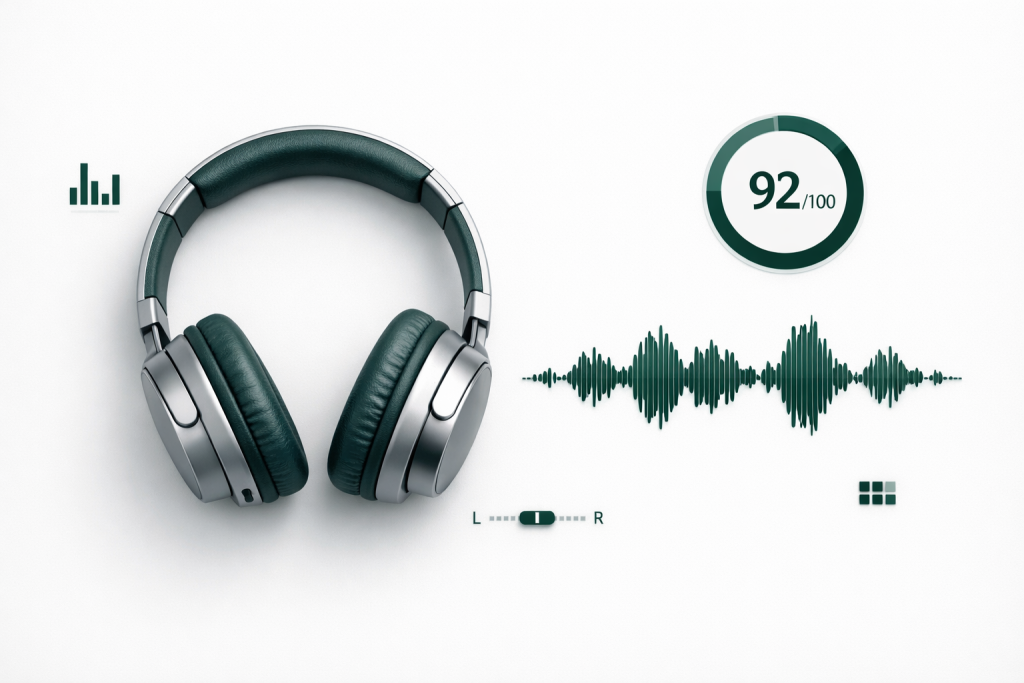
After completing the tests, HeadScore Pro calculates an overall score out of 100. It's a weighted combination of all five test results — balance, frequency range, bass response, latency, and microphone quality.
You can download a full report as a text file to keep as a reference or share with a tech support team.
Run the full suite once and you'll have a clear picture of exactly where your headphones stand. If they're performing well, that's good to know. If they're not, now you have the data to back it up.